MYPASS
what is a mypass card?
it's your ticket to the mountain
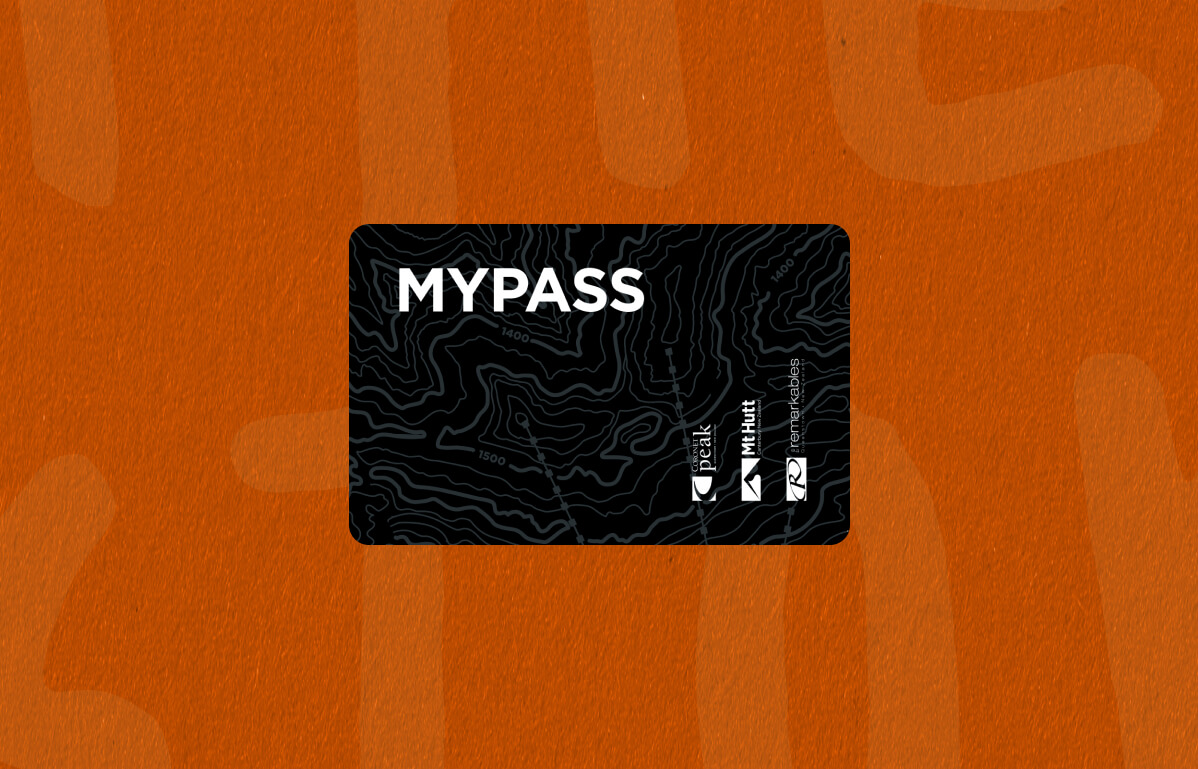
You’ll need a MyPass card to hit the lifts at Hutt (and down at Coronet Peak and The Remarkables too). It’s your key to the mountain - lifts, rentals, lessons and even the Queenstown Ski Bus.
It’s about the size of a credit card with an RFID chip inside to let you access the lifts & your other products. Slip it into your ski jacket sleeve pocket and you’re good to go.
Keen to track your laps? Register your MyPass online and keep an eye on your stats, you might even top your mates on the leaderboard.
where do I get one
Guest Services: Swing by the team at Guest Services and they’ll sort you out with products and print your MyPass cards.
Self Service Kiosk: Bought online? Skip the queue and head to the kiosks near Guest Services and have your order confirmation ready on your phone with the barcode visible.
Scan the barcode and boom – your MyPass card prints, already loaded with your pass, rentals and lessons. If you’ve purchased for multiple people in one transaction, the kiosk will print MyPass cards for everyone in your group.
Already got one? If you've got a MyPass card from previous years, make sure your products are loaded by logging into your online account. Then you’re good to go - no need to stop at Guest Services.
Lost your Pass? No worries, swing past Guest Services and the team will help sort your new MyPass Card for a small fee.
TOP TIP: Turn the brightness up on your phone when scanning the barcode at the kiosk.
MyPass Money
You can load your MyPass Card with MyPass Money and use it like an Eftpos card to purchase food, drinks and products on the mountain. It’s ideal for setting the kids up with some credit to use for the day without having to worry about losing your credit card or loose change (our mountains are cashless - we only accept digital payments).
How to use MyPass Money?
Activate MyPass Money: Visit any of our Guest Services locations to activate your MyPass Money and set up your personal PIN number. The PIN secures your MyPass card, just like a normal debit card.
Add MyPass Money:
Visit any of our Guest Services locations with your credit card and we can add money for you. You can also load MyPass Money to your card and other guests cards online.
Use your MyPass Money:
Present your MyPass card whenever you want to make a purchase at any of our ski areas or online. Just let our team know that you would like to use 'MyPass Money' or continue to the online checkout, enter your PIN (on mountain only) and complete your purchase. Simple!
Profile Photos
We’re all about keeping things fair and making sure your pass is yours. That’s why we require a photo on your MyPass profile, it helps us prevent fraudulent use and keeps the system running smoothly for everyone. It’s not just a nice-to-have either, a profile photo is required for most of our products, including lift passes and lessons. If there’s no photo, or it doesn’t meet our criteria, your pass may be suspended. Not ideal when you're ready to hit the snow.
Three easy ways to get your photo sorted:
- Upload online when you buy your pass or any time after through our webstore (hit the person icon in the navigation to log into your profile)
- Pop into Guest Services – we’ll take a quick snap for you
- Prefer to skip the queue? Email us a passport-style photo ahead of time and we’ll add it to your profile: [email protected]
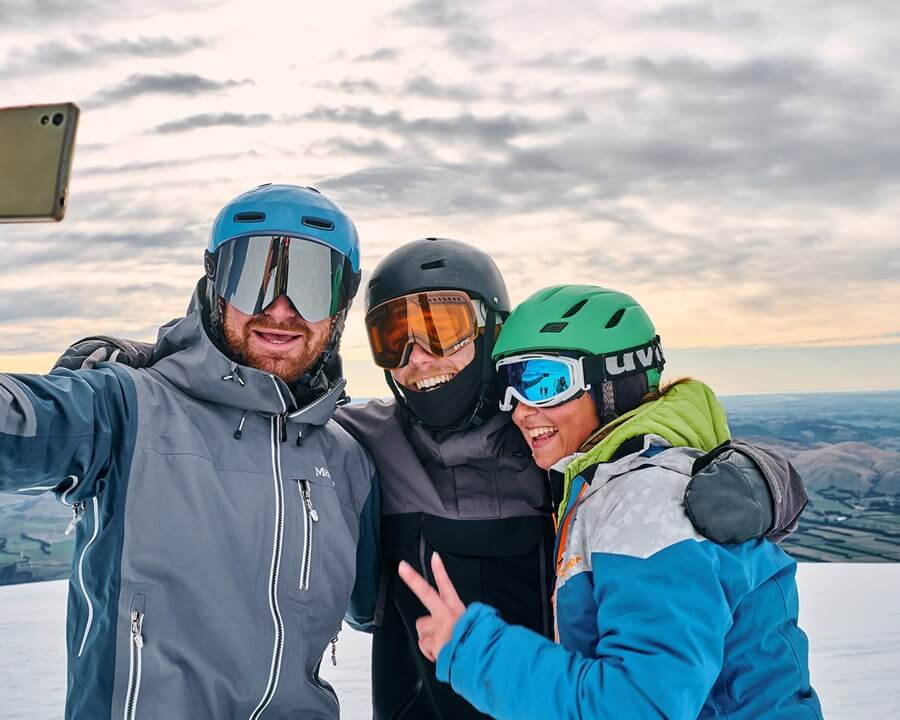
Make sure your photo is clear, passport-style, and just you (no helmets, goggles or group shots please). If your photo doesn’t meet the mark, we might ask you to update it at Guest Services next time you visit.
Win the bragging rights
Every time you tap your MyPass Card at the lift, we’ll clock your laps and stack up your vertical metres. Too easy. Track your stats by day, week or season and see just how many runs you’ve squeezed in.
Feeling competitive? Link up with your mates or whānau and see who’s stacking the most vert this winter. Bit of friendly bragging never hurt anyone.
Every time you tap your MyPass Card at the lift, we’ll clock your laps and stack up your vertical metres. Too easy. Track your stats by day, week or season and see just how many runs you’ve squeezed in.
Feeling competitive? Link up with your mates or whānau and see who’s stacking the most vert this winter. Bit of friendly bragging never hurt anyone.
faqs
All of your products will be loaded to your MyPass Card. This is essentially your ticket to the mountain, to access the lifts at Coronet Peak, The Remarkables or Mt Hutt you will need a MyPass Card assigned to your profile with your products loaded onto it.
Skied with us before?
- Great, welcome back! If you already have your MyPass card, you can use this again to access our lifts, pick up your rentals, or to join your Snowsports lesson.
Purchased online?
- You can collect your MyPass Card by scanning the barcode in your confirmation email at one of our Kiosks or by visiting Guest Services.
- Using the Kiosk: Simply scan the barcode in your confirmation email and the Kiosk will print your MyPass card - from there you can head straight to the lift.
Queenstown Snow Centre:
- If you're planning to visit Coronet Peak or The Remarkables in Queenstown, we recommend you collect your MyPass card in advance at The Snow Centre at 25 Shotover Street.
We recommend you collect your MyPass Card the day before you head up the mountain from the Queenstown Snow Center to skip any queues.